Create UGC videos with AI.
Grow Channels That Convert
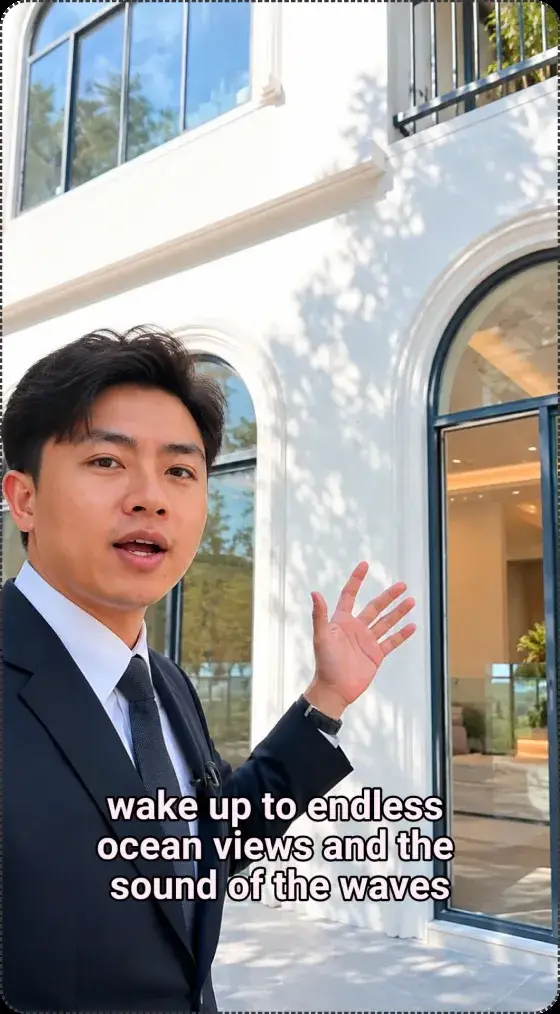
LayerProof Linen is an AI UGC video generator that turns a single product photo into a ready-to-sell, UGC-style video, with an AI creator, voiceover, and music, in minutes.

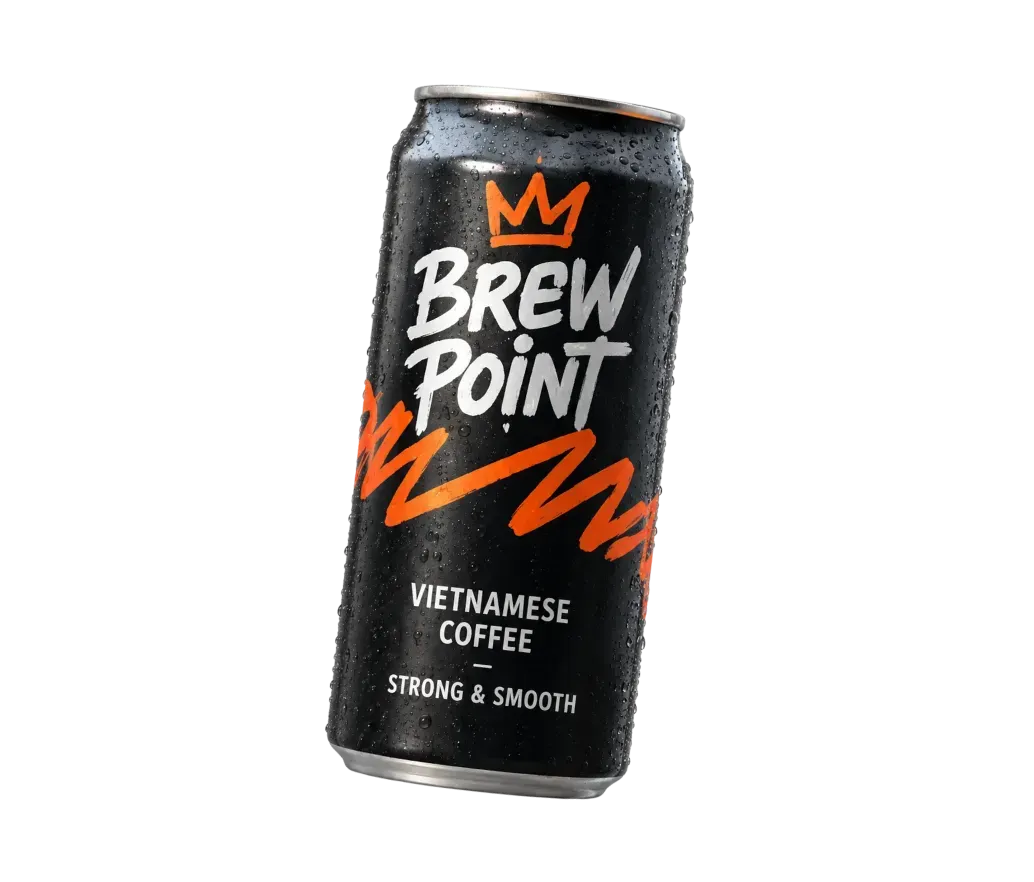


For every industry, every product



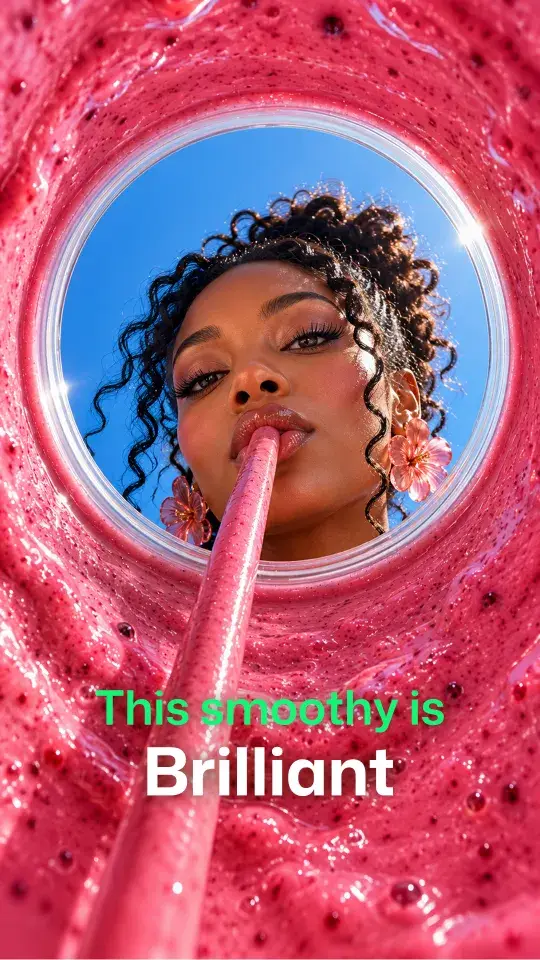




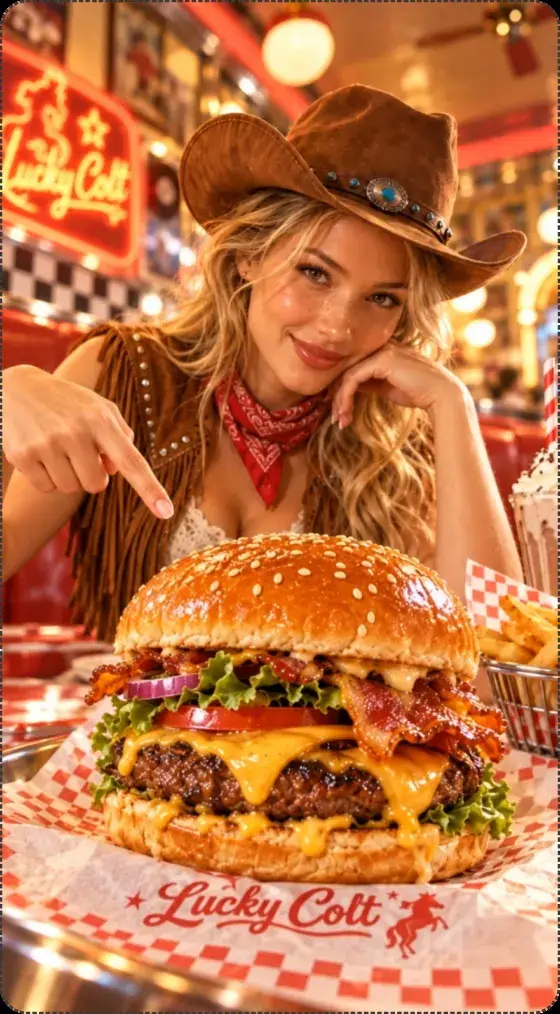

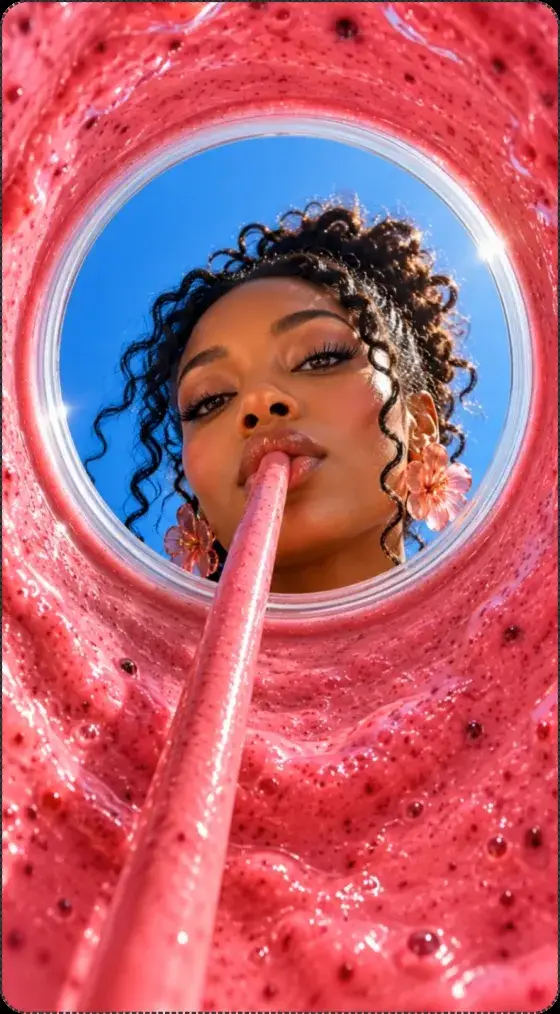











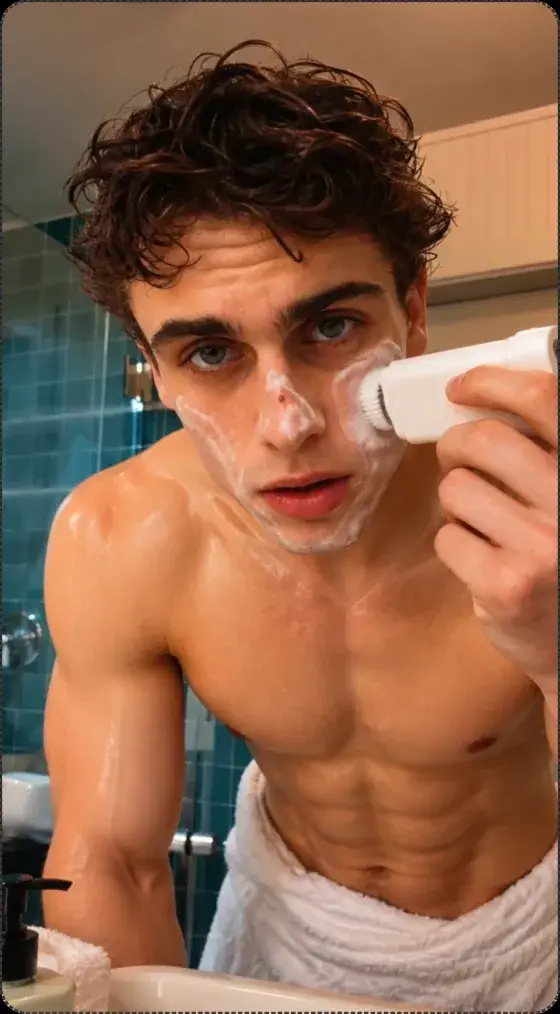
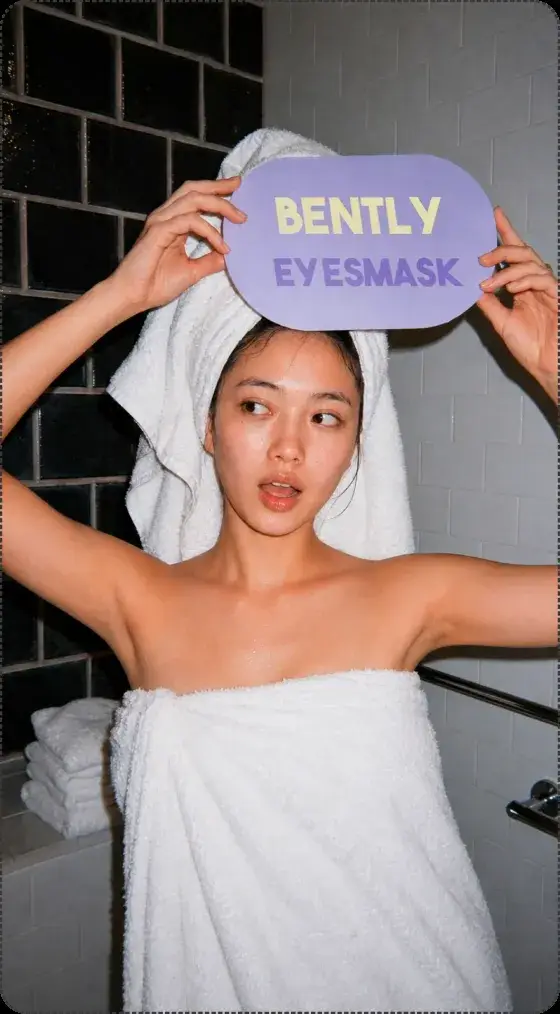


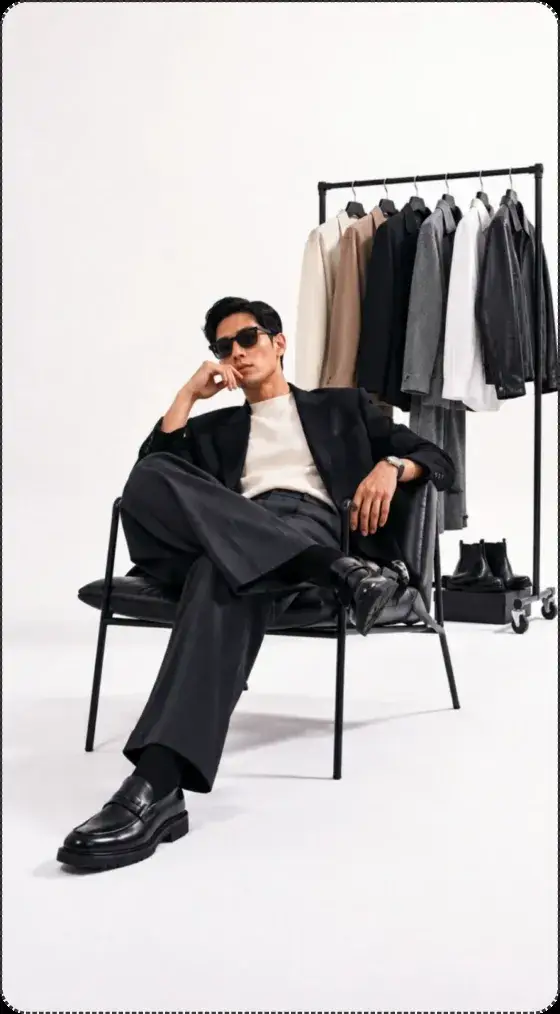



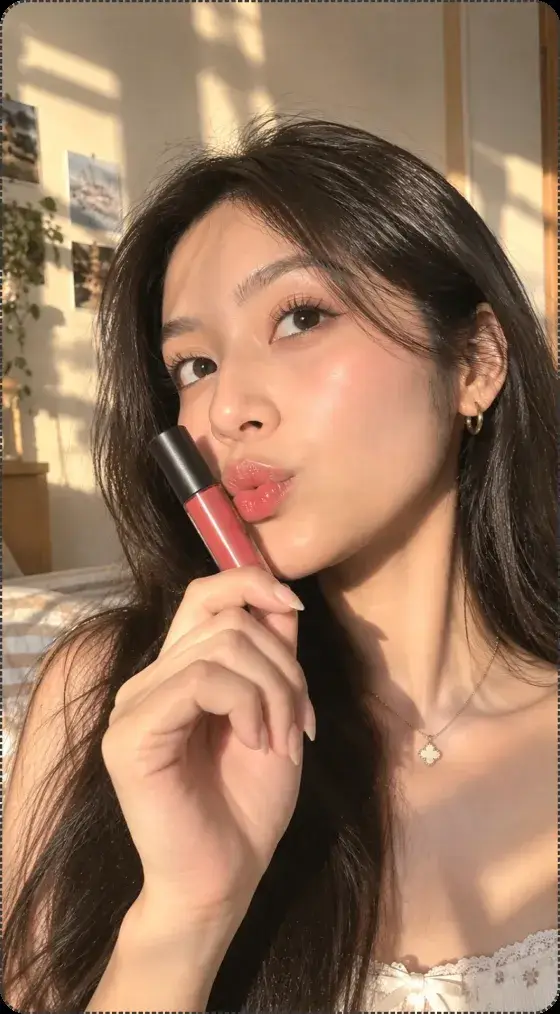





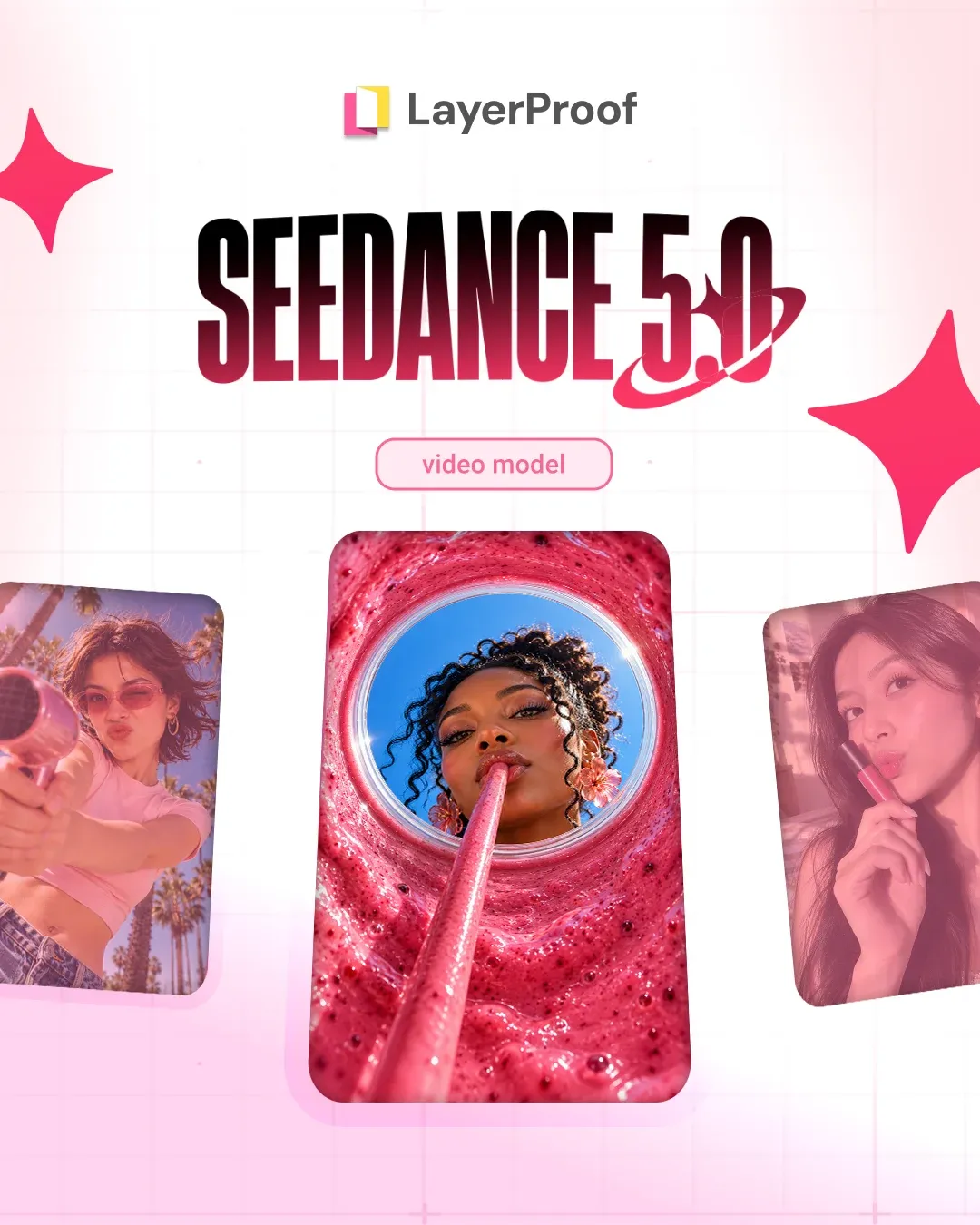
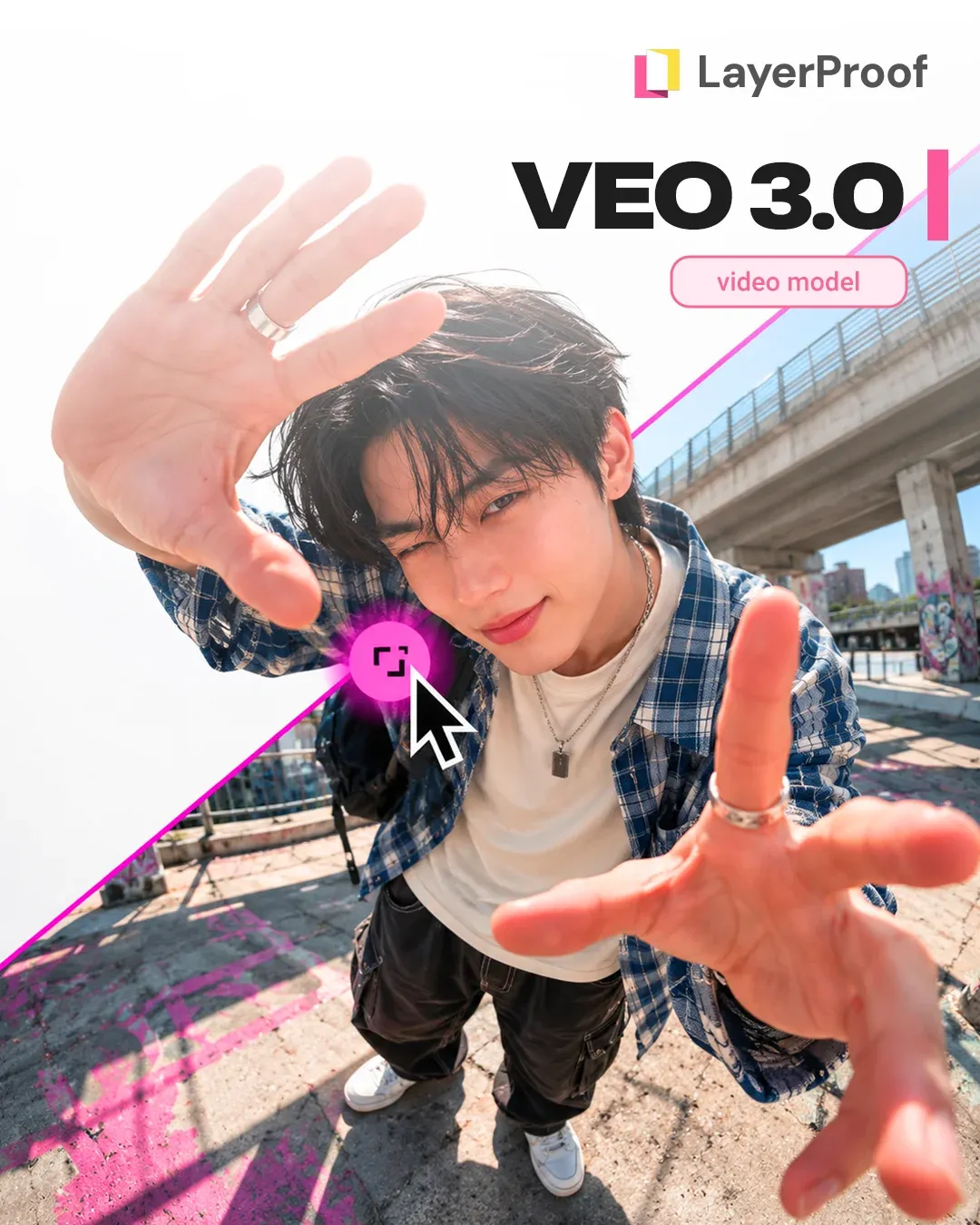
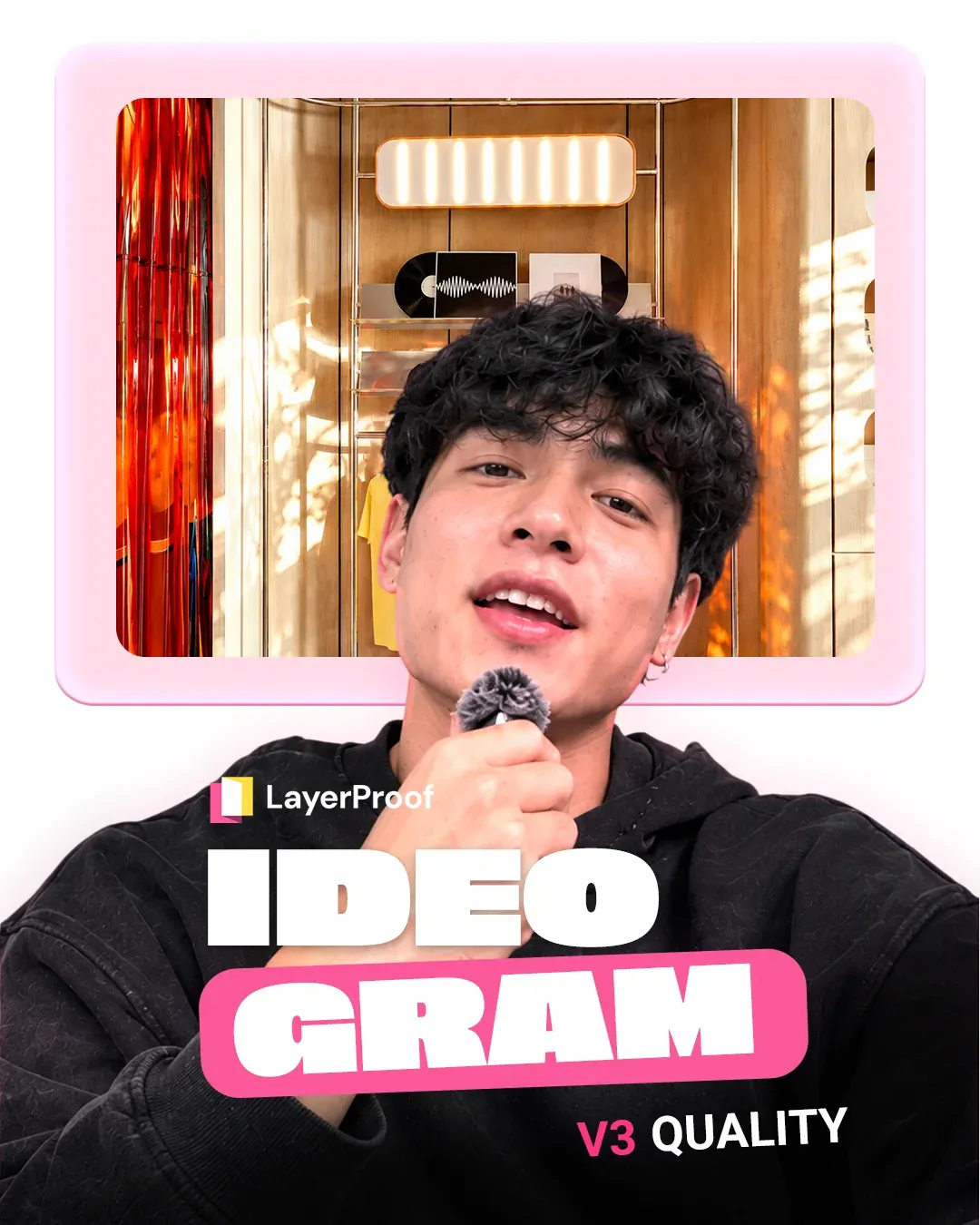
All the top AI models
in one platform


Customize every detail
Choose your character, product, and setting to create videos that feel accurate and consistent.
From one idea to
a script and storyboard
Tell us what you want to sell. AI writes the script, breaks it into scenes, and suggests shots for you to preview and edit before creating the video.

GRWM Selfie Angle
Slight high-angle shot of @creator relaxing on a beach mat at @sunny_beach wearing @sunglasses, holding an iced coconut drink, laughing brightly at camera, horizontal 16:9 framing

Low-angle dynamic shot
Low-angle dynamic shot of @creator walking along the sand at @sunny_beach, wearing @sunglasses, looking down smiling at camera, natural golden sunlight, horizontal 16:9 framing

Tight close-up
Tight close-up of @creator at @sunny_beach smiling playfully, adjusting the frame of @sunglasses, showing lens reflection and fit on face, horizontal 16:9 framing

Medium side-profile candid shot
Medium side-profile candid shot of @creator looking toward the sea horizon at @sunny_beach wearing @sunglasses, breeze blowing hair, warm natural lighting, horizontal 16:9 framing

Slight high-angle shot
Slight high-angle shot of @creator relaxing on a beach mat at @sunny_beach wearing @sunglasses, holding an iced coconut drink, laughing brightly at camera, horizontal 16:9 framing
Enter a product or idea
Upload a product image and describe your video idea.
Preview and edit the storyboard
Review every scene, line, action, and shot. Edit directly or ask AI to regenerate it.
Create the video when it feels right
Once the storyboard is ready, generate a complete video with visuals, voiceover, and music.
Three easy steps to your next video
-
Step 01
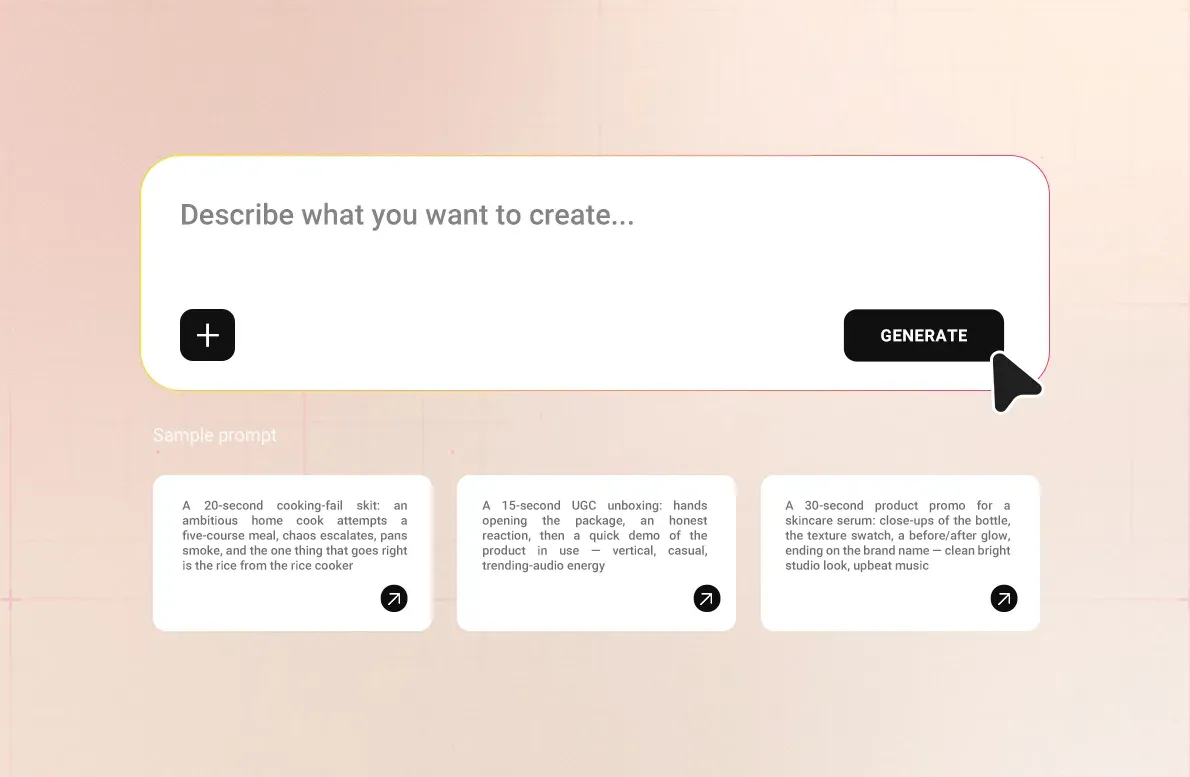
Write one line
-
Step 02
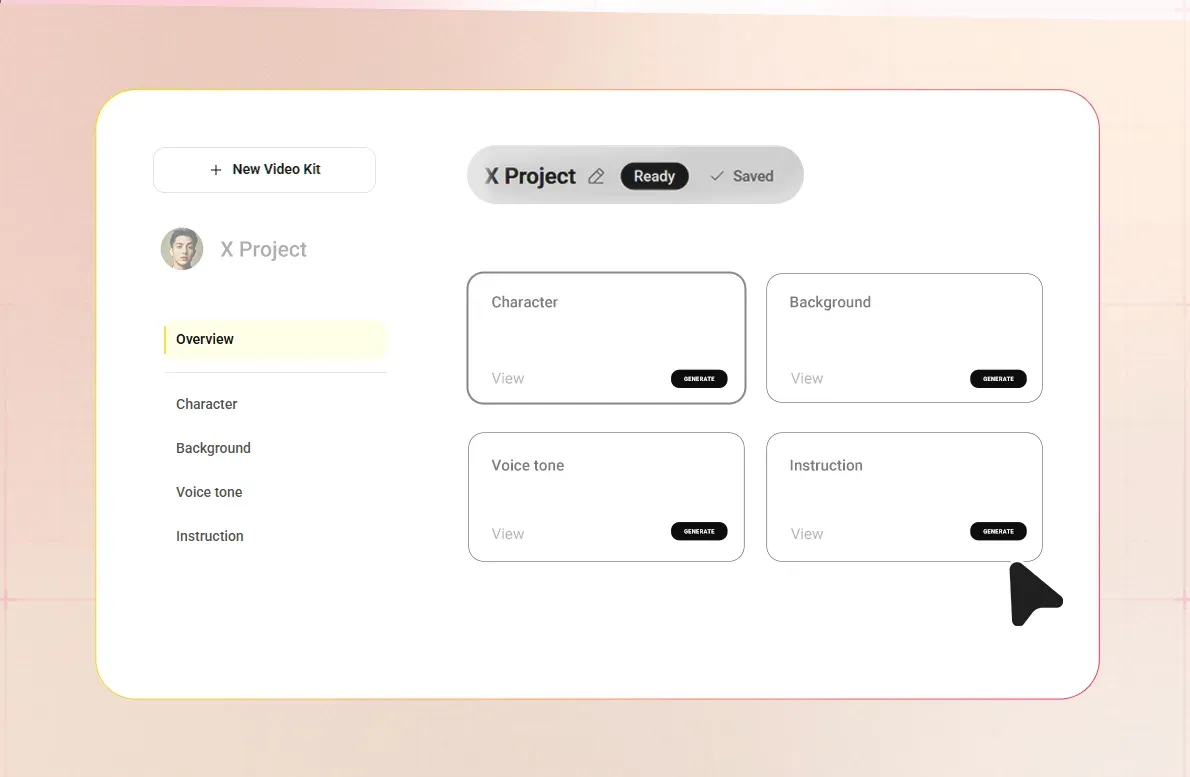
Pick a video kit
-
Step 03
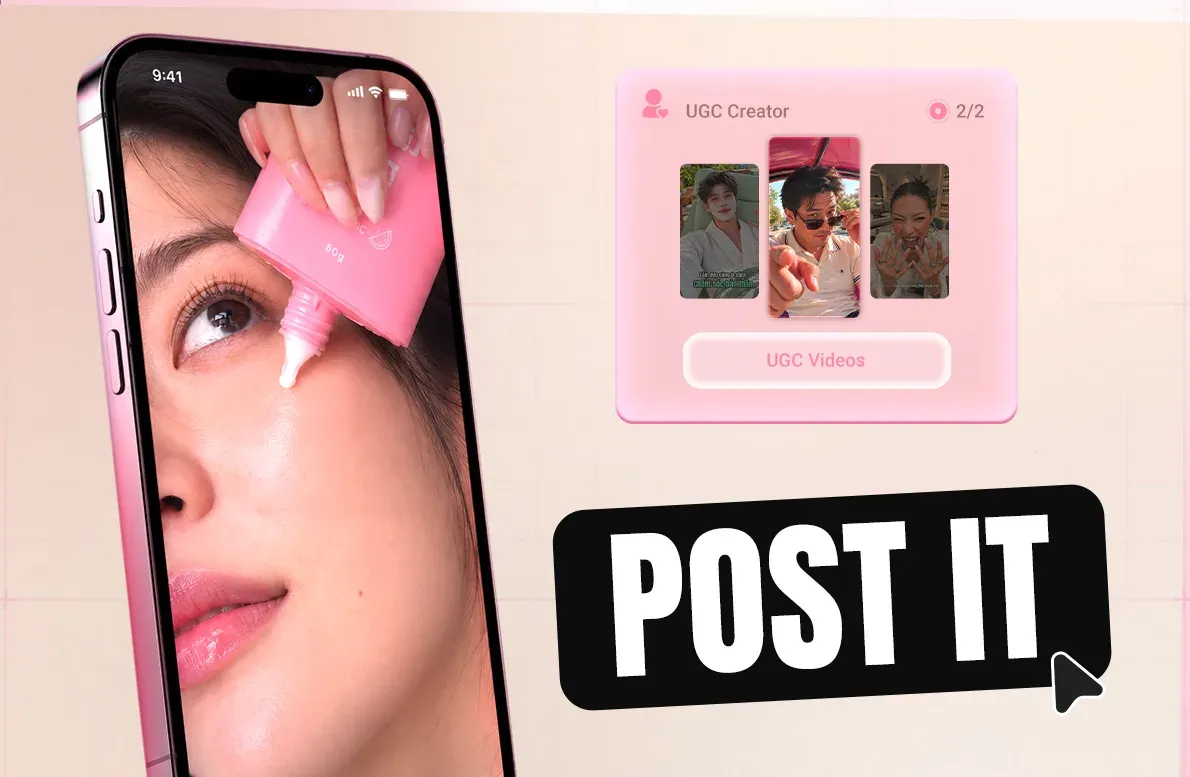
Create a full video and post it
One video kit.
Consistent characters, tone, and style.
Set up your Video Kit once, then reuse its characters, tone, and style across every video.
-
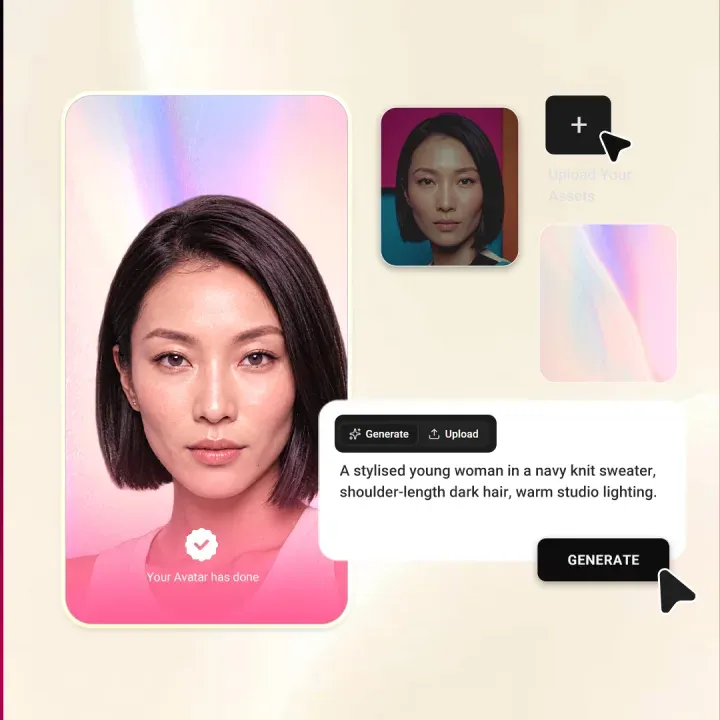
Characters
Create a character that fits your channel's style and story.
-
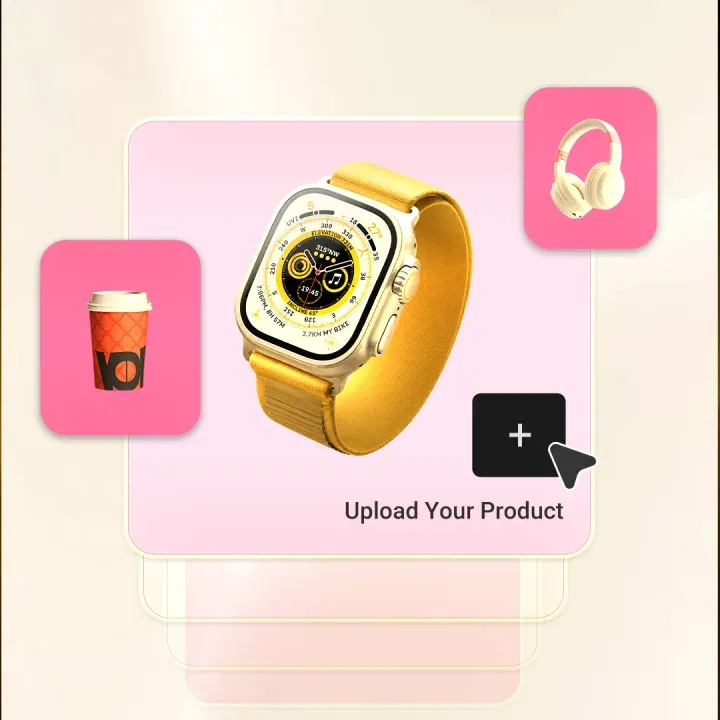
Products
Every video starts with the product you want to feature.
-
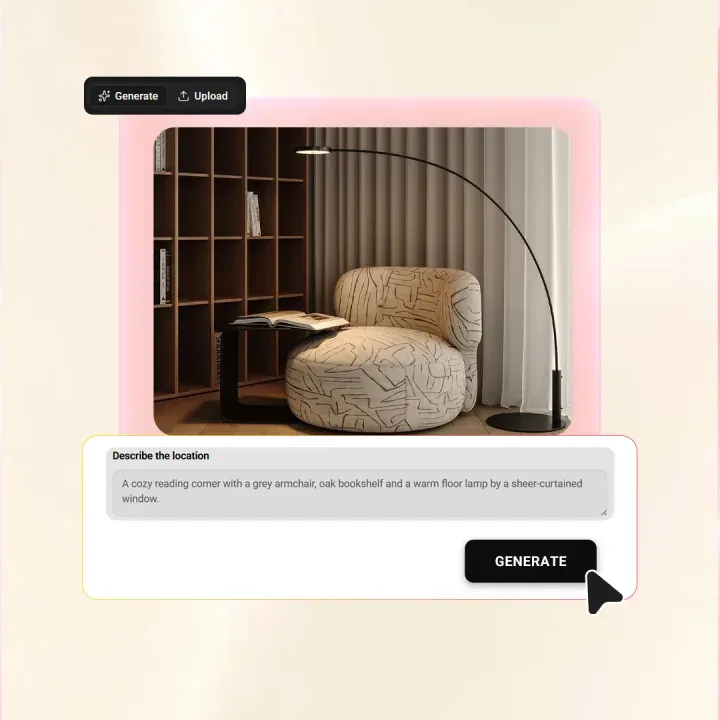
Backdrops
Upload a background or let AI create a new setting from your idea.
-
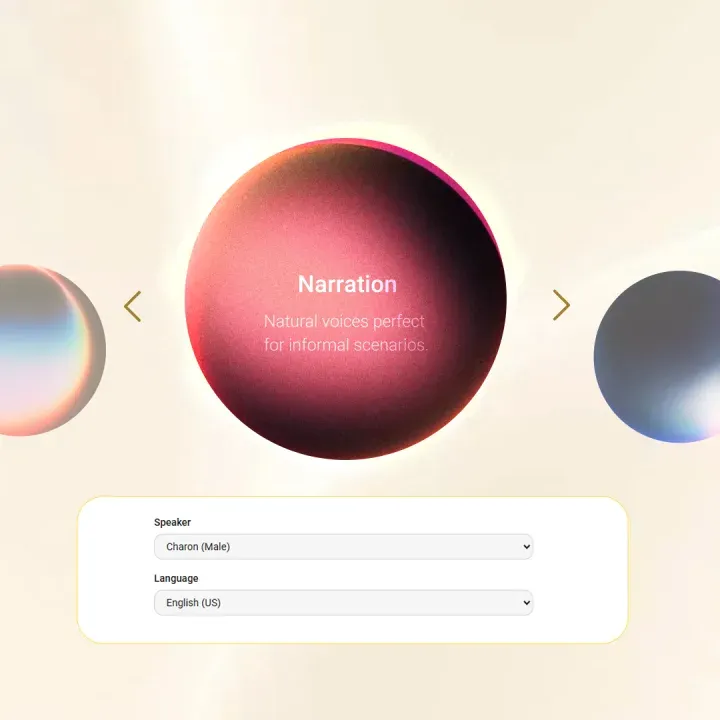
Tone of voice
Adjust the tone so every video speaks to the right audience.
What users say about LayerProof
Less than a coffee a day
to grow your online business
Credits turn into videos. Here's what each plan works out to per video.
Pro
For light social posting: a few image posts a week.
$5 /month
240 credits every month
Billed monthly, cancel anytime
Get started with Pro- Unlimited projects
- Export & download (PPTX, PDF, 4K)
- Publish to every platform
- Video, voiceovers, themes & brand kits
- Unlimited Brand Kit & Brand Theme
- No watermark
- Unlimited AI tools usage (credit apply)
- Lowest cost per credit
Ultra
Most popularFor serious social posting: daily posts, carousels and edits, all in images.
$15 /month
1,000 credits every month
Billed monthly, cancel anytime
Get started with Ultra- Unlimited projects
- Export & download (PPTX, PDF, 4K)
- Publish to every platform
- Video, voiceovers, themes & brand kits
- Unlimited Brand Kit & Brand Theme
- No watermark
- Unlimited AI tools usage (credit apply)
- Lowest cost per credit
Max
For video: UGC video ads every week, on top of a serious social posting schedule.
$40 /month
3,000 credits every month
Billed monthly, cancel anytime
Get started with Max- Unlimited projects
- Export & download (PPTX, PDF, 4K)
- Publish to every platform
- Video, voiceovers, themes & brand kits
- Unlimited Brand Kit & Brand Theme
- No watermark
- Unlimited AI tools usage (credit apply)
- Lowest cost per credit
Pro
For light social posting: a few image posts a week.
$4 /month, billed annually
240 credits every month
Billed annually, cancel anytime
Get started with Pro- Unlimited projects
- Export & download (PPTX, PDF, 4K)
- Publish to every platform
- Video, voiceovers, themes & brand kits
- Unlimited Brand Kit & Brand Theme
- No watermark
- Unlimited AI tools usage (credit apply)
- Lowest cost per credit
Ultra
Most popularFor serious social posting: daily posts, carousels and edits, all in images.
$12 /month, billed annually
1,000 credits every month
Billed annually, cancel anytime
Get started with Ultra- Unlimited projects
- Export & download (PPTX, PDF, 4K)
- Publish to every platform
- Video, voiceovers, themes & brand kits
- Unlimited Brand Kit & Brand Theme
- No watermark
- Unlimited AI tools usage (credit apply)
- Lowest cost per credit
Max
For video: UGC video ads every week, on top of a serious social posting schedule.
$32 /month, billed annually
3,000 credits every month
Billed annually, cancel anytime
Get started with Max- Unlimited projects
- Export & download (PPTX, PDF, 4K)
- Publish to every platform
- Video, voiceovers, themes & brand kits
- Unlimited Brand Kit & Brand Theme
- No watermark
- Unlimited AI tools usage (credit apply)
- Lowest cost per credit
More to explore
Frequently asked
questions
What is Linen?
Toggle answer
Linen is LayerProof's AI UGC video generator. It turns a single product photo into a short, creator-style video with an AI creator, a natural-sounding voiceover, and music, formatted for TikTok and Instagram Reels. You upload your product, pick a creator and setting, and Linen writes the script and builds the video scene by scene.
What is an AI UGC video generator?
Toggle answer
LayerProof Linen is an AI UGC video generator that turns a single product photo into a ready-to-sell, UGC-style video with an AI creator, voiceover, and music.
How do I create UGC videos with AI?
Toggle answer
Upload a product photo, choose a creator and setting, and the AI writes a script and storyboard scene by scene. You preview and edit every scene, then generate the finished video.
Can it create realistic UGC videos, or do they look fake?
Toggle answer
Linen is built to look like a real person talking about your product, not an obvious AI clip. You choose a creator and setting that fit your brand, and the video keeps a natural face, voice, and pacing so it blends in with organic feed content.
Which platforms are the videos made for?
Toggle answer
Linen creates vertical videos formatted for TikTok and Instagram Reels, sized to each platform's native layout. You can generate variations for different channels from the same product.
Can I choose the creator and the language?
Toggle answer
Yes. You can pick from several AI creators and have them speak in different languages, so the video fits your channel and audience.
What kinds of businesses is it for?
Toggle answer
Linen works across industries, including cafes, salons, skincare, boutiques, and property. You start from your own product photo, so the video matches what you actually sell.
How long does it take to make a video?
Toggle answer
Most videos are ready in a few minutes, from uploading the photo to a finished video with visuals, voiceover, and music.

Start creating your first video.
Everything you need to create better marketing, all in one place.